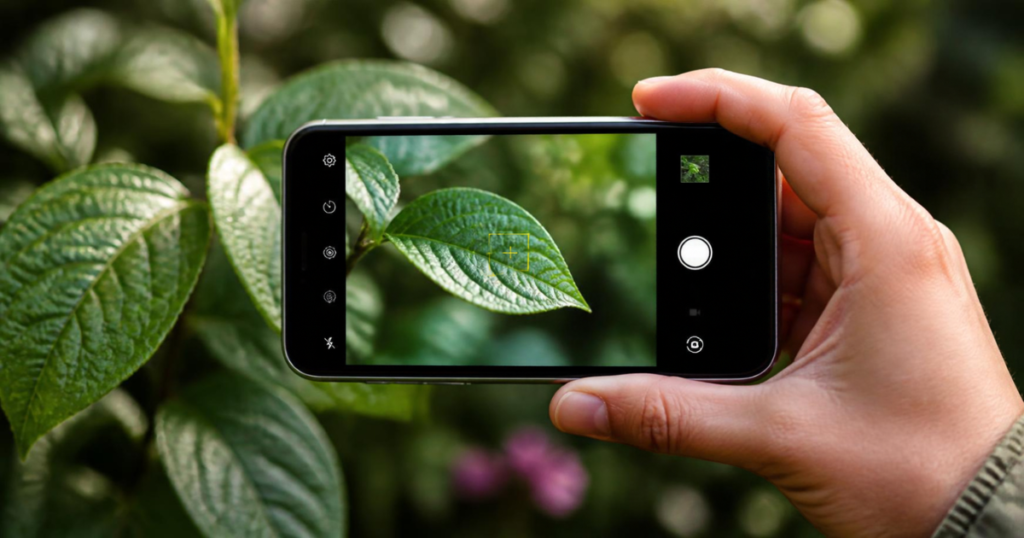
Whether you’ve found a mystery seedling in your yard, want to know what that houseplant at the garden center actually is, or need to identify a weed before deciding whether to pull it, photo-based plant identification has gotten remarkably good in recent years. Here’s how it works, which tools are worth using, and how to get results you can actually trust.
How Photo Plant Identification Actually Works
Most plant ID apps use image recognition models trained on massive databases of labeled plant photos, sometimes numbering in the tens of millions. When you upload a photo, the app compares visual features — leaf shape, venation, flower structure, bark texture, growth pattern — against its training data and returns its best-match suggestions, usually ranked by confidence.
This means accuracy depends heavily on two things: how well-represented a plant is in the training data (common garden plants and weeds tend to be identified more reliably than rare or regional species) and how clear and diagnostic your photo is.
The Best Free Plant Identifier Apps
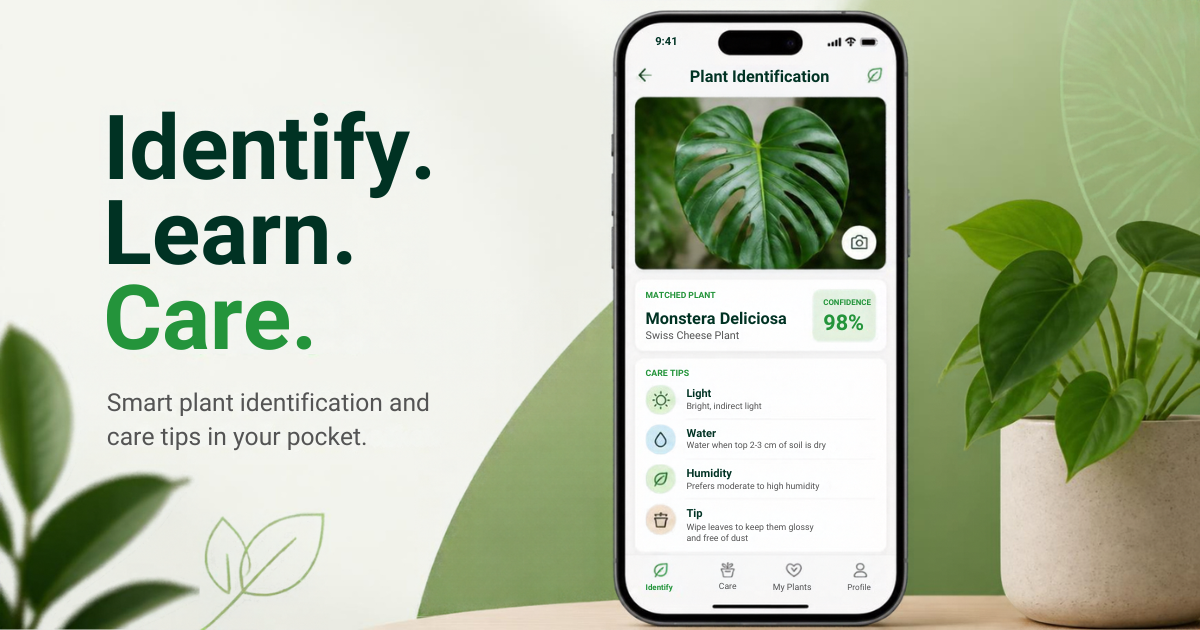
Pl@ntNet is a favorite among more serious gardeners and naturalists because it was built by botanical researchers and lets you specify which part of the plant you’re photographing (leaf, flower, fruit, or bark), which noticeably improves accuracy. It’s free, doesn’t require an account for basic use, and covers wild plants and weeds particularly well, not just cultivated garden varieties.
iNaturalist combines AI suggestions with an active community of naturalists who can confirm or correct an identification. It’s slower than an instant AI-only app since community confirmation can take hours to days, but it’s one of the most accurate options for anything unusual, and it doubles as a way to log and track what you find over time.
Google Lens (built into the Google app and Google Photos) is the fastest option for a quick answer, especially for common houseplants and garden plants, and requires no separate app download. It’s less reliable for less common species or plants that closely resemble each other.
Picture This and PlantSnap are popular consumer apps with polished interfaces and care guides attached to identifications, though both typically require a subscription for unlimited identifications after a free trial period.
How to Take a Photo That Gets an Accurate ID
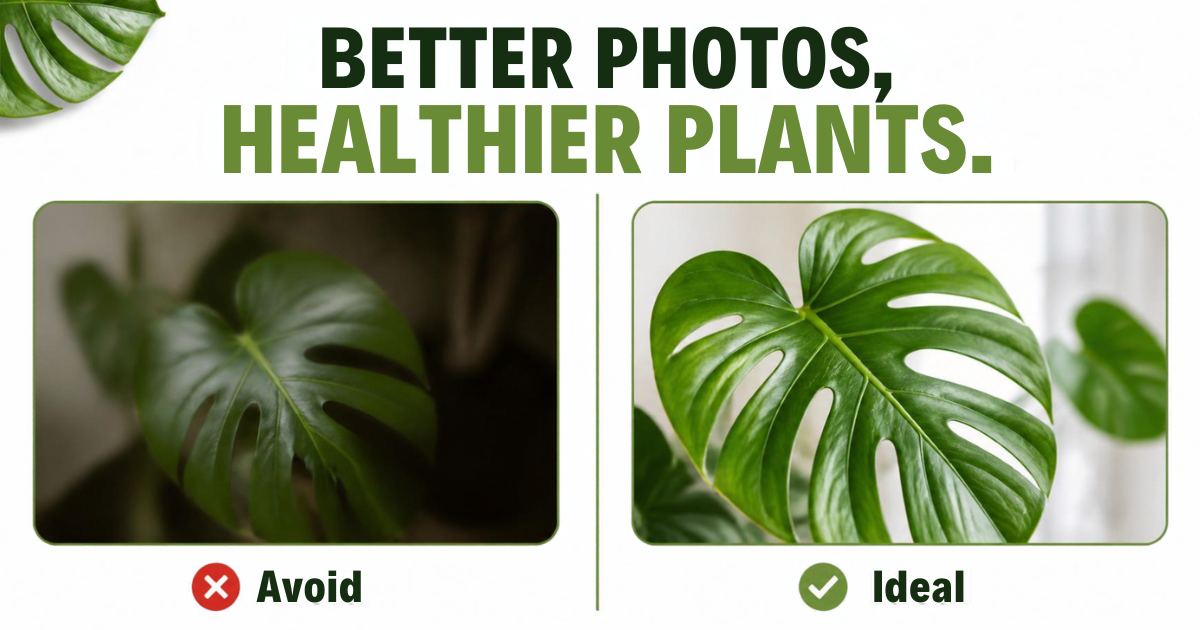
The quality of your photo matters more than which app you use. A few tips that make a real difference:
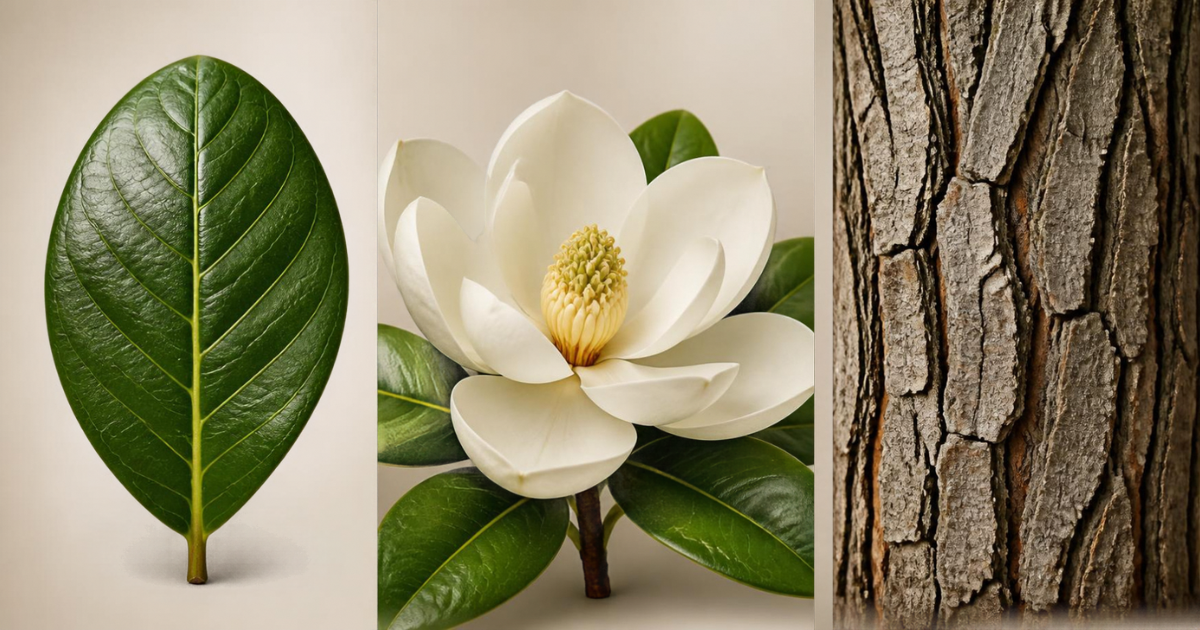
- Photograph multiple parts of the plant if you can — a leaf close-up, the whole plant’s growth habit, and a flower or fruit if present. Many apps let you submit multiple photos or run separate searches for each.
- Use natural light and avoid harsh shadows, which can obscure leaf edges and venation patterns the app relies on.
- Fill the frame with the plant, minimizing background clutter that can confuse the recognition model.
- Include a flower or fruit whenever possible. Leaves alone can be genuinely ambiguous between related species, but flower structure is often far more diagnostic.
- Photograph the leaf’s top and underside separately if identification seems uncertain, since underside coloring, hair patterns, and vein structure often differ meaningfully from the top.
Why Results Sometimes Conflict
It’s common to get different answers from different apps, or a list of several possible matches rather than one confident answer. This usually happens because:
- The plant is a cultivar or hybrid not well-represented in training data
- The photo shows a life stage (like an early seedling) that looks very different from the mature plant most training photos show
- Several closely related species genuinely look nearly identical in photos and require details like scent, habitat, or seed pod structure to distinguish reliably
When you get conflicting results, cross-check with a second app, and if it matters for safety (a plant you’re considering eating, or one you suspect might be toxic to pets), don’t rely on app identification alone — confirm with a local extension office, a knowledgeable nursery, or a field guide specific to your region.
When to Use a Photo ID App vs. Other Methods
Photo ID apps are excellent for a fast first guess on common plants, weeds, and houseplants. They’re less reliable for:
- Plants at the seedling stage, before distinguishing features have developed
- Grasses and sedges, which often look extremely similar across species
- Situations where correct identification genuinely matters for safety, like distinguishing an edible mushroom or plant from a toxic look-alike
For anything in that last category, treat an app’s answer as a starting point for further research, not a final verdict.
The Bottom Line
Free plant identifier apps like PlantNet, iNaturalist, and Google Lens can give you a confident answer on most common plants within seconds, especially with a clear, well-framed photo that includes a flower or fruit when possible. For anything where the stakes are higher than curiosity — edibility or toxicity in particular — use the app as a first step and confirm with a second source before acting on it.
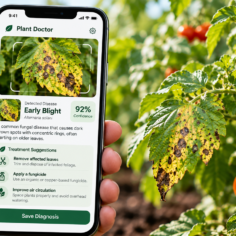
For symptom-based photo tools, see our guide to AI plant disease diagnosis apps and their limitations.
After identifying your plant, these symptom guides can help: Why Are My Plant Leaves Turning Yellow? and Brown Spots on Leaves: Causes & Fixes.
Last modified: October 17, 2026